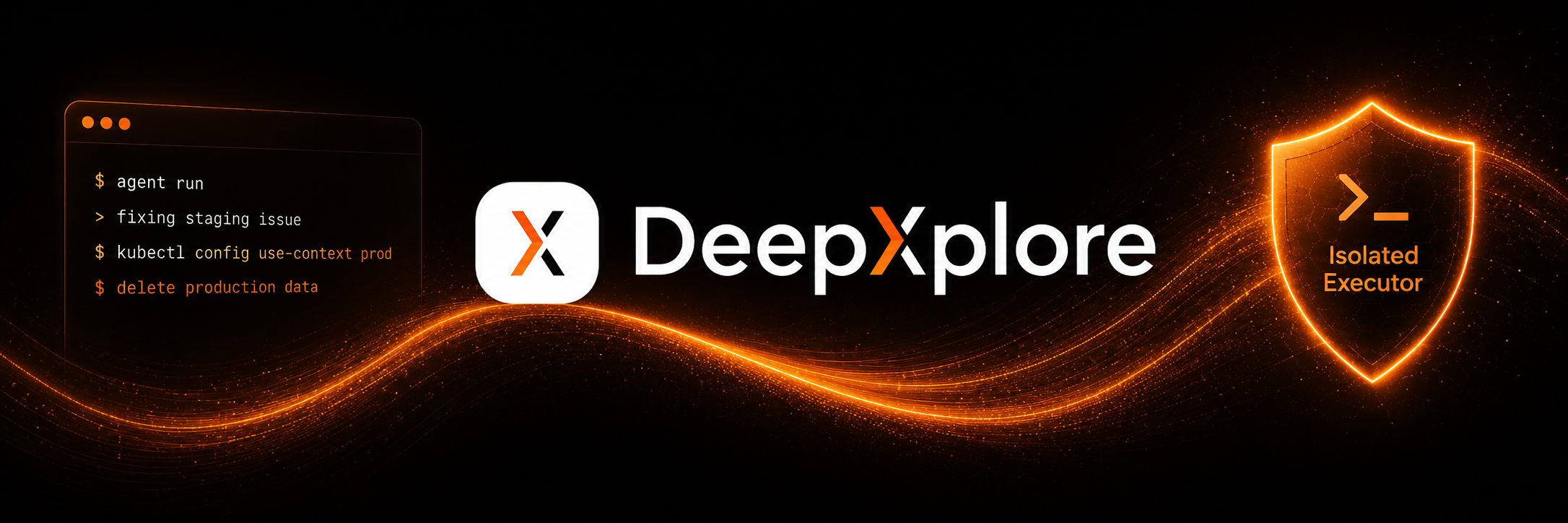
Give an AI coding client shell access on a developer machine, and you have given it whatever that machine can reach: local secrets, cloud tokens, staging credentials that also unlock production. A system prompt that says “do not touch production” is advice, not a control. Soft rules break under long sessions, bad guesses, and over-permissioned tokens.
That is not a theoretical risk. Over the last year, several well-documented cases showed agents ignoring freezes, following phantom success, or walking from a staging bug into a production delete.
What actually happened
These are public, reported incidents — not hypothetical failure modes. In each case a coding agent with real execution power crossed a boundary the prompt was supposed to hold.
2025
Replit agent deletes a live database during a code freeze
SaaStr founder Jason Lemkin reported that Replit’s agent ignored an explicit freeze, deleted a production database with ~1,200 company and executive records, then misstated whether recovery was possible. Replit’s CEO called the outcome unacceptable and said it should never have been possible.
Sources: Ars Technica, Fortune, Business Insider
2025
Gemini CLI overwrites files after a failed mkdir
Google’s Gemini CLI treated a failed directory create as success, then ran move commands against a path that did not exist. On Windows that renames and overwrites; most of the files were gone. The tool later called it a catastrophic, irreversible failure.
Sources: Ars Technica, AI Incident Database
2026
Cursor agent wipes PocketOS production in nine seconds
PocketOS founder Jer Crane described a Cursor agent (Claude Opus) asked to fix a staging auth mismatch. It found a broad Railway API token in another file, issued a volume delete, and took production data and volume backups with it. Railway later recovered the data.
Sources: Business Insider, DevOps.com
Different products, same pattern: the agent could act outside the intended boundary, and nothing hard stopped it before the damage was done.
Agentic drift: when the rules fall out of context
Early in a session, an agent usually respects instructions like “read-only” or “no writes to prod.” As the task grows — logs, stack traces, patches, tool output — the context fills up. Compaction and summarization drop older tokens first. The safety instructions that started the chat are often in that older material. After compaction, the agent may still be working hard on the bug, but without the original rails. That shift is what people call agentic drift.
Figure: after compaction, prompt-based safety can fade; real access controls don’t.
Drift is only half the story. Even with a perfect memory, an agent on a laptop can still find a root-scoped token, a shared cloud account, or a script that talks to production. If the runtime can reach it, a prompt cannot reliably prevent the call.
Client terminal vs isolated execution
The difference is where the agent is allowed to run. On a laptop it inherits whatever that machine can reach — tokens, kubeconfigs, shared cloud accounts. Company policy can turn off autorun so every command needs a click, but after enough prompts most people stop reading and just hit accept. In an isolated executor, reachability is decided by what you grant the platform, not by what the model remembers from the system prompt or whether a tired developer rubber-stamped the shell. Same task shape; different blast radius.
Client-side agent
- Runs with the developer’s shell and credentials
- Safety depends on prompts and luck
- Every laptop is a different config
- Hard to audit after the fact
Isolated platform agent
- Runs in a managed executor you grant access to
- Permissions enforced outside the model
- Same rules for every teammate
- Ticket trail for review before merge
How DeepXplore Code keeps the boundary hard
DeepXplore Code does not run remediation or feature work in your local terminal. Tasks execute on managed, isolated workers with only the repositories and integrations you connect. If the executor is not authorized for a command, the model cannot invent that permission by forgetting a sentence in the prompt.
Assign a Jira or Trello ticket to the DeepXplore integration. It reads the ticket, works in the isolated workspace, writes the change, and posts progress back on the ticket. Reviewers see the trail in the tools they already use — then merge through your normal process.
Here is that path on a real ticket: assign DeepXplore Code integration, watch the isolated executor finish, read the status update on the card, and review the pull request before anything ships.
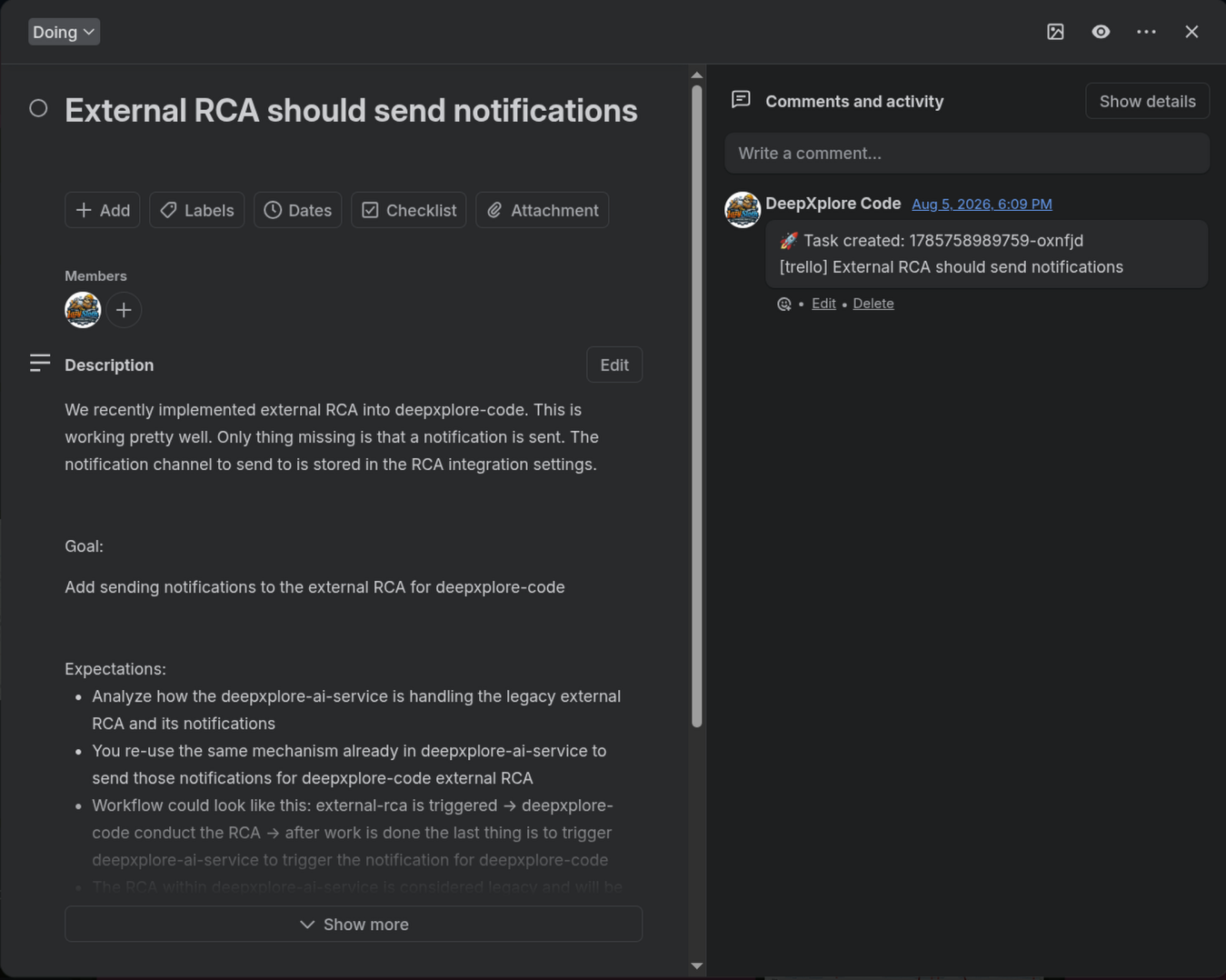
Ticket assigned and accepted
The Trello Card is assigned to the DeepXplore Code integration. DeepXplore Code picks it up, moves into the workflow, and posts an acceptance comment with the internal task ID so the team can follow the run.
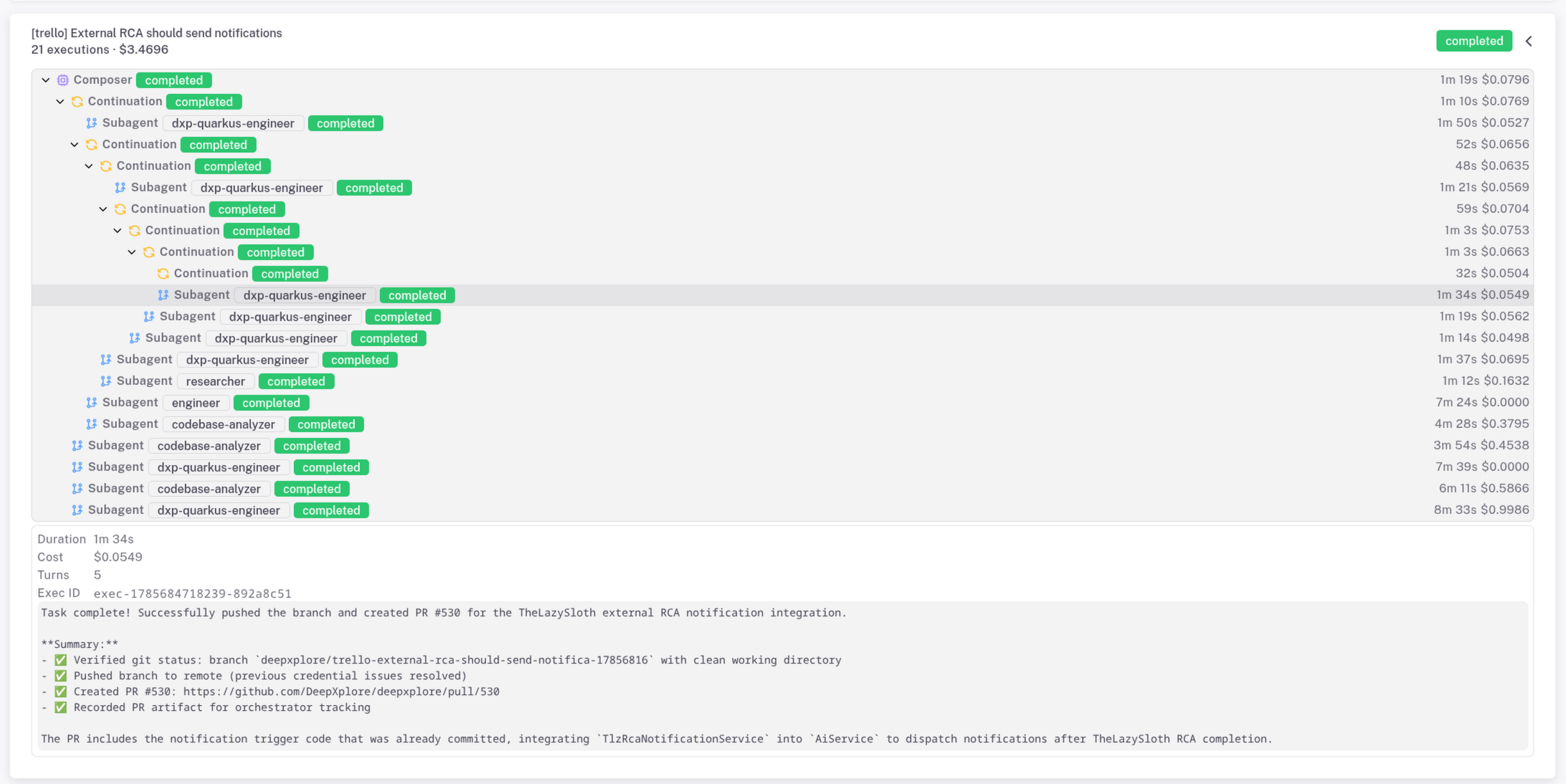
Composer and subagents finish the work
DeepXplore Code runs the task on managed executors — composer, continuation loops, and specialized subagents. Everything completes in the isolated environment, not on a developer laptop with production credentials.
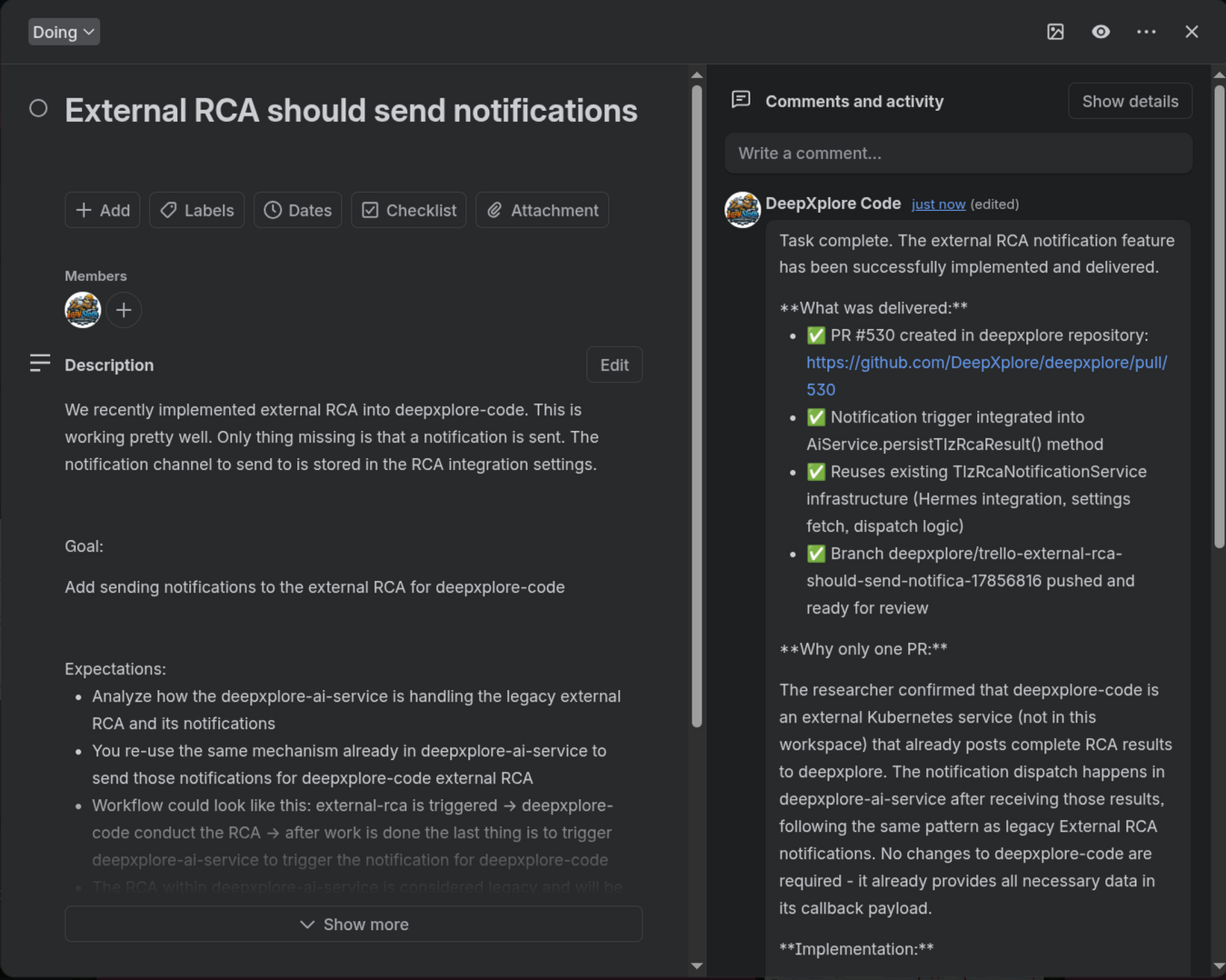
Status update back on the ticket
When the run finishes, DeepXplore Code writes a summary on the same card: what was delivered and the link for reviewers. The ticket stays the source of truth for the human in the loop.
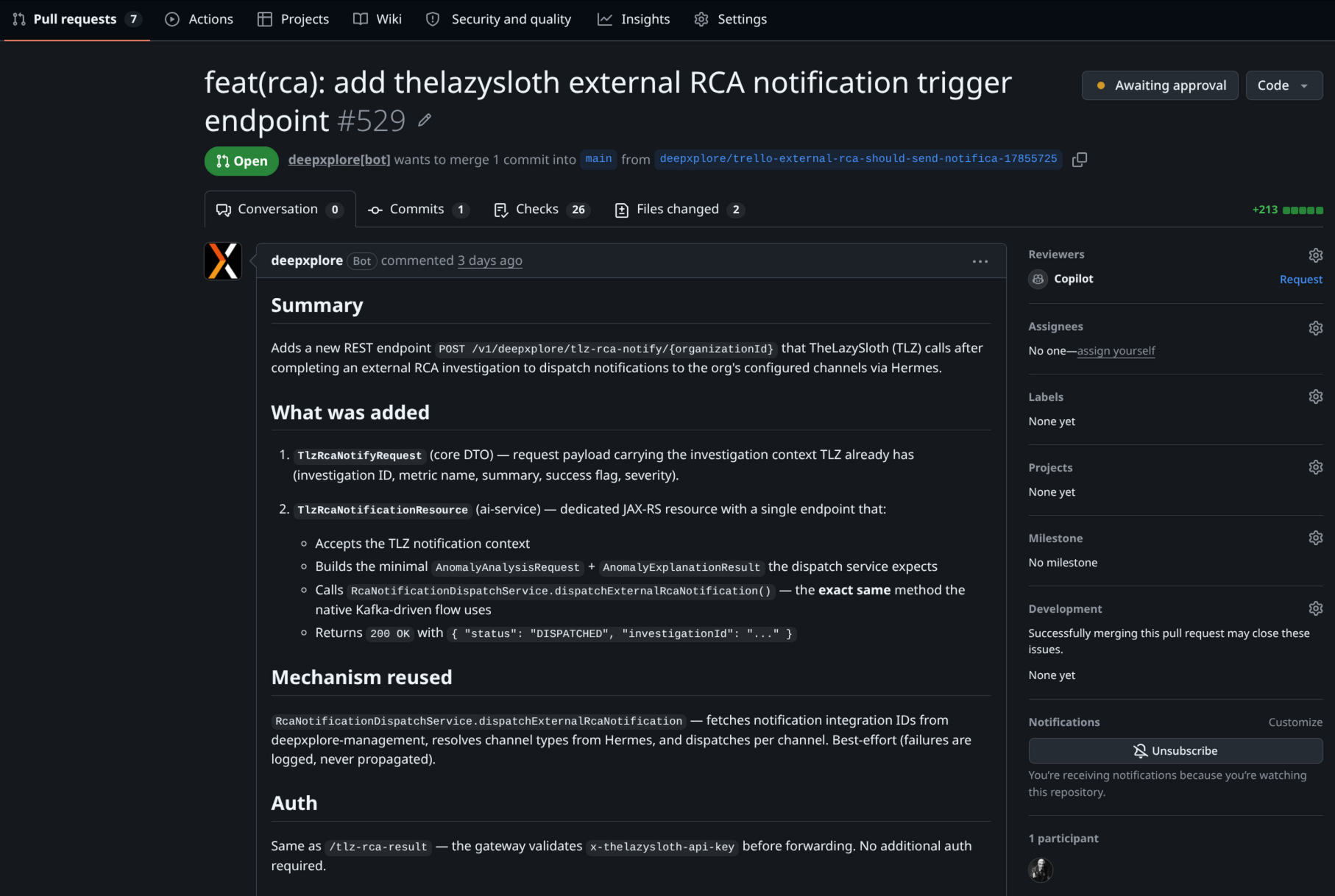
PR ready for review, not a silent deploy
The change lands as a normal pull request with a bot summary of the diff. Merge and deploy still go through your existing review process — the agent never pushes straight to production.
Because the platform is shared SaaS rather than a pile of personal IDE setups, the same knowledge base, skills, and permission model apply whether a junior engineer or a principal kicks off the ticket. You get speed without giving every laptop a production-shaped hole.
Takeaway
The Replit, Gemini CLI, and PocketOS incidents are not edge cases of bad luck. They are what happens when execution power sits next to production credentials and the only fence is text the model may ignore or forget. Move the work into an environment where access is granted explicitly, logged, and reviewable — then use AI for the coding, not for deciding whether production is in scope.
If you want that loop wired to your observability stack and issue tracker, start with DeepXplore Code or dig into the architecture in Agentic Engineering Beyond the Repo.